





Can't figure it out or have another question? Fill out the form and we will contact you as soon as possible.
Design your own passe-partout/ picture mat
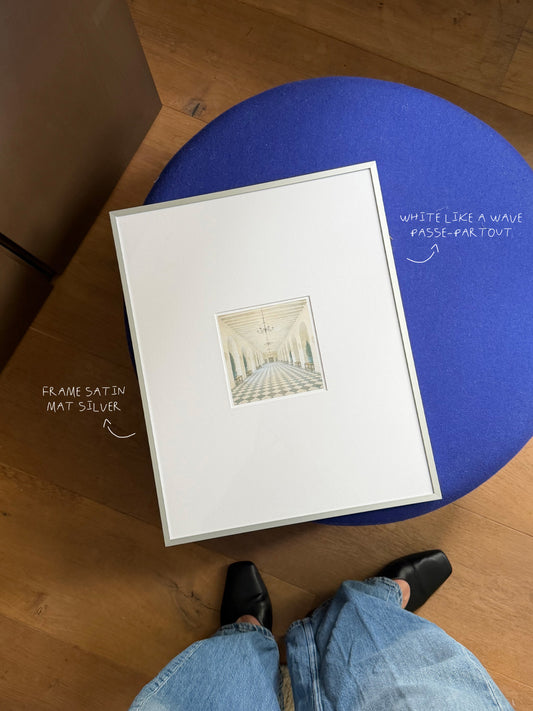
Do you have a frame with non-standard dimensions, or a creative idea for a unique opening? With our passe-partout builder you can create your perfect custom passe-partout in no time. Choose your size, colour and dimensions and see the result straight away.
For the best experience, use this tool on a desktop or laptop.
1. Choose your outer size
Custom size? Remove the glass from your frame and measure its dimensions. That is the correct outer size for your passe-partout.
2. Material
3. Colour
4. Number of openings
Please note: Make sure your opening is slightly smaller than your photo or print, so it sits neatly behind it. Examples: a 10×15 cm photo gets a 9.5×14.5 cm opening. A Polaroid Mini (5.5×8.4 cm) gets a 5.2×8.1 cm opening.
Have a question or prefer an organic shape? Email hello@ateliertoon.com
5. Upload photo (optional)
Upload your photo to see how it looks behind the passe-partout.
How does the preview work?
- Click an opening to select it (corner markers)
- Shift+click to select multiple openings at once
- Drag an opening to reposition it
- Drag an edge or corner to resize the opening
- Select multiple openings and use the alignment buttons to line them up
- Use "Distribute" to space selected openings at a fixed gap (in cm) side by side or above each other
- Delete selected openings with the ✕ button in the toolbar
- Undo a step with ⌘Z or the ↺ button in the toolbar
passe-partout builder by TOONatelier.com
| Size | A4 / 21×29,7 cm |
| Material | Standard |
| Colour | Canvas Cream |
| Openings | 1 |
| Inner size | 15,0 × 24,0 cm |
Price
€ 25,95
Made to order especially for you, no returns possible.
Choose a suitable list
-
Handmade aluminium frame - satin matte silver
Regular price From €74,95 EURRegular priceUnit price per -
Handmade aluminium frame - olive green
Regular price From €74,95 EURRegular priceUnit price per -
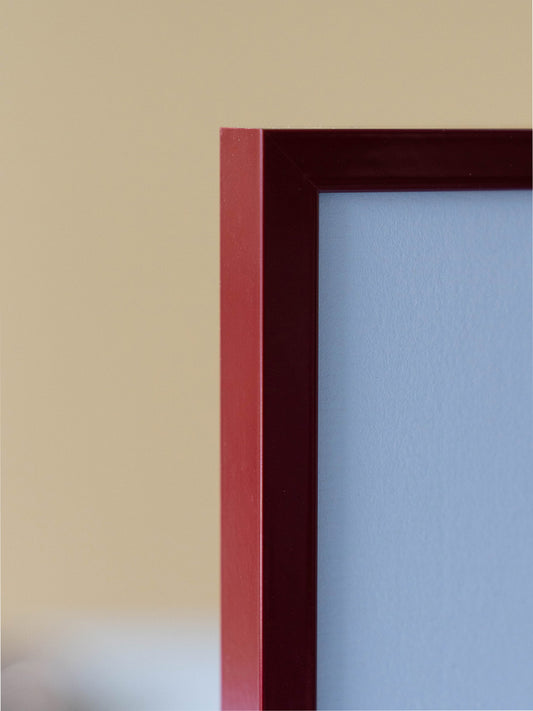
Handmade aluminium frame - burgundy
Regular price From €74,95 EURRegular priceUnit price per -
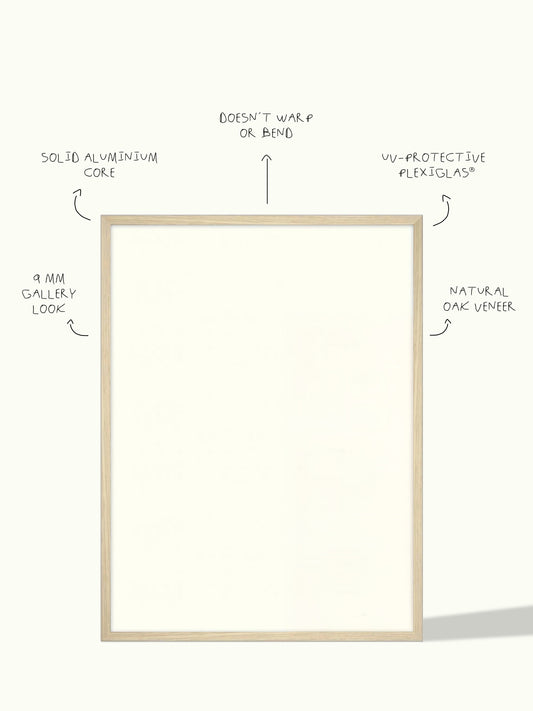
Handmade aluminium frame with oak veneer
Regular price From €84,95 EURRegular priceUnit price per
Need help?

Premium quality
High-quality acid-free cardboard
1.7mm thick & FSC certified

Free shipping
On orders over 60 euros
(NL, BE, DE)

Made to order!
Designed with an eye for detail and quality

5.0 Google Reviews
Customers love TOON


